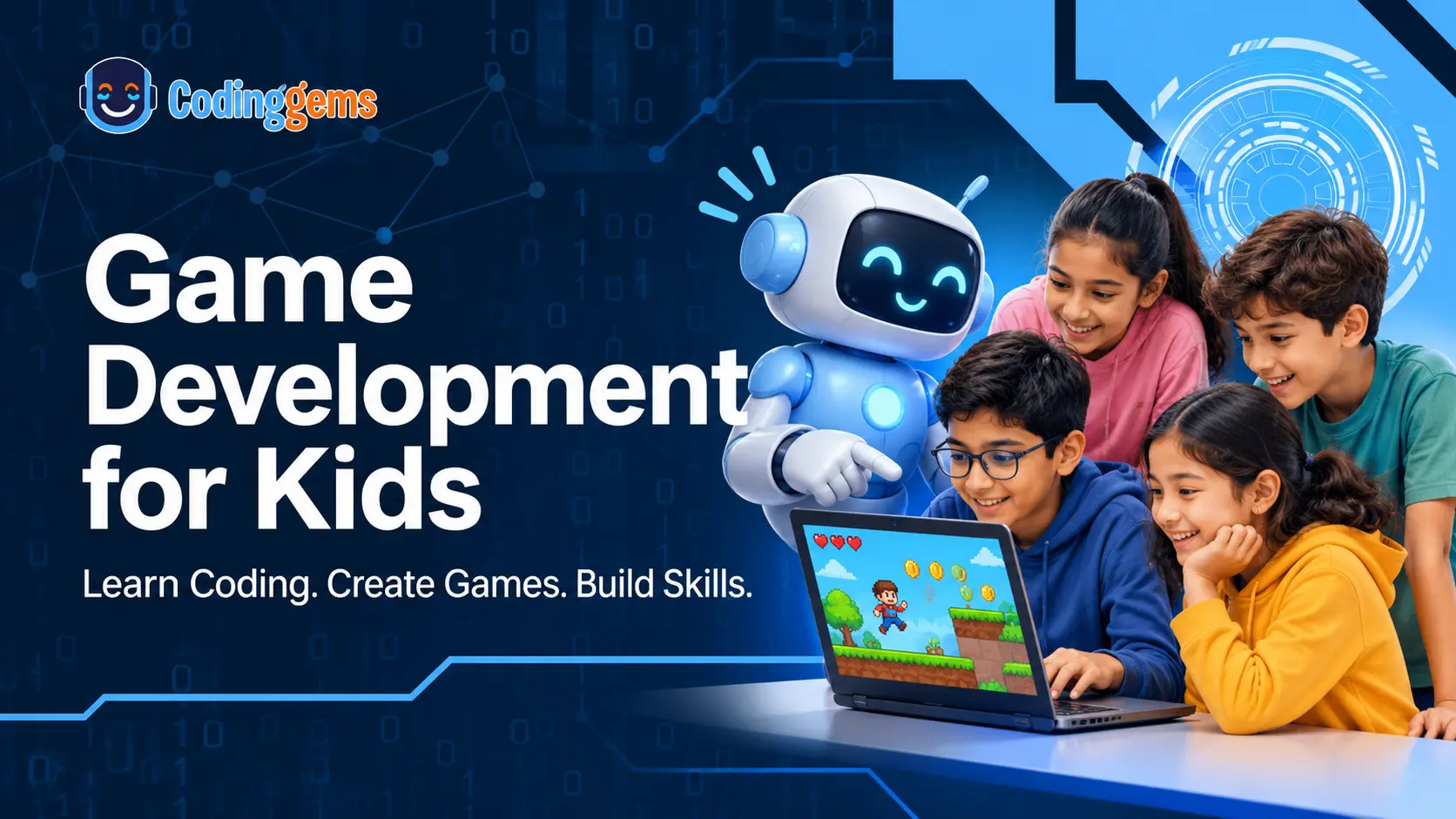
Does your child love playing video games? What if they could create their own games instead? Game development for kids is an exciting way to introduce children to programming, creativity, logical thinking, and problem-solving. From designing characters to building interactive worlds, children can turn their ideas into playable games while developing valuable technical skills.
The best part? Kids don’t need previous coding experience to get started. They can begin with visual, block-based coding tools and gradually move towards Python, programming languages, and professional game engines.
At CodingGems, children explore game development through structured lessons, practical projects, and interactive coding activities.
Ready to turn your child’s gaming interest into a creative learning experience?
Explore CodingGems Game Development Courses
What Is Game Development for Kids?
Game development is the process of designing, programming, testing, and creating video games. It combines coding, mathematics, creativity, storytelling, and problem-solving. When children develop a game, they learn how to:
- Design characters and gaming environments.
- Create movements and animations.
- Set rules, challenges, and game levels.
- Add scores, rewards, and sound effects.
- Test games and fix programming errors.
For example, creating a simple maze game requires children to design a character, program its movement, create obstacles, and establish winning conditions. This hands-on experience makes programming easier to understand and more enjoyable.
Why Should Kids Learn Game Development?
Game development is not just about creating entertaining games. It helps children develop important skills through practical learning.
- Logical thinking: Children learn to organise instructions, understand patterns, and solve problems.
- Creativity: They design characters, create stories, and build unique gaming environments.
- Programming knowledge: Students understand loops, variables, conditions, functions, and events.
- Mathematical understanding: Game creation introduces coordinates, angles, calculations, and logical relationships.
- Problem-solving: Testing games and fixing bugs teaches children how to identify and solve challenges.
- Confidence: Completing their own games encourages independent thinking and a sense of achievement.
Best Game Development Tools for Kids Based on Age and Skill
Children should learn game development progressively. Starting with visual programming and moving towards text-based coding helps them understand programming concepts without feeling overwhelmed.
1. Beginners: Ages 7–10
Recommended tools: Scratch, Kodu and Sprite Lab
Young beginners can start with block-based coding platforms. These tools use visual blocks instead of complicated programming syntax.
Children can learn:
- Loops and sequencing.
- Character movement.
- Basic game rules.
- Events and conditions.
- Simple animations.
Projects to try: Maze games, racing games, interactive stories, and platformer games.
Scratch and similar visual tools help children understand how programming works while encouraging creativity.
2. Intermediate Learners: Ages 10–13
Recommended tools: Roblox Studio, Minecraft Education Edition and Construct 3
Children who understand basic programming can explore more interactive game development environments.
They can learn:
- Creating game levels.
- Designing interactive environments.
- Developing game mechanics.
- Understanding player interactions.
- Building more complex projects.
This stage helps children move beyond simple games and understand how different game elements work together.
3. Teens and Advanced Learners: Ages 13+
Recommended tools: Python, Pygame, Roblox Lua, Godot and Unity
Older students can explore text-based programming and advanced game development environments.
They can learn:
- Programming logic and functions.
- Game physics and collision detection.
- Character animation.
- Game mechanics and scripting.
- 2D and 3D game development.
Python and Pygame are particularly useful for learning programming fundamentals through interactive 2D projects. Godot and Unity introduce students to more advanced game development workflows.
Want your child to progress from beginner coding to actual game creation?
Explore Game Development Learning Paths at CodingGems
5 Exciting Game Development Projects for Beginners
The easiest way to learn programming is by building games. Here are five projects children can try.
| Project | Skills learned |
|---|---|
| Snake Game | Loops, movement, collision detection |
| Maze Game | Conditions, events, sequencing |
| Space Shooter | Keyboard controls, sprites, scoring |
| Brick Breaker | Coordinates, movement, game physics |
| Car Racing Game | Obstacles, controls, game logic |
These projects allow children to apply programming concepts while creating something they can play and improve.
How to Get Started with Game Development
Children don’t need to build a complicated game on their first attempt. A simple project is enough to understand the basics.
Follow these four steps:
Step 1: Choose a simple game idea
Start with a maze, platformer, racing, or collectible game. Keep the first project manageable.
Step 2: Design characters and rules
Plan the characters, obstacles, levels, and winning or losing conditions before starting the coding process.
Step 3: Build and test the game
Create one feature at a time. Test character movements, game controls, and interactions. Fix errors whenever they appear.
Step 4: Improve the game
Add new levels, animations, sounds, and challenges as programming skills improve.
Learning through projects makes game development more engaging and helps children understand concepts through practice.
Need structured guidance for your child’s first game?
Discover CodingGems Online Coding Classes
Online Game Development Classes for Kids Around the World
Online learning makes it possible for children to explore programming and game creation from home.
Parents in different countries can look for structured game development classes that offer practical projects, interactive lessons, and age-appropriate learning.
Game Development Classes for Kids in the USA
Children in the United States can explore Scratch, Python, and game development through online coding programs. Project-based learning helps students understand programming while creating interactive games.
Game Development Courses for Kids in the UK
An online game development course for kids in the UK can introduce children to visual programming, Python, game mechanics, and creative coding projects.
Online Game Development Classes in Australia
Children in Australia can develop programming knowledge through interactive lessons and practical game development activities, starting with beginner-friendly projects.
Game Development Courses for Kids in Canada
Students in Canada can explore coding logic, game design, and programming through structured online learning programs suitable for different experience levels.
Online Coding Classes for Kids in France
Children in France can explore game development using visual programming and text-based coding tools. Parents should consider language support, suitable class timings, and age-appropriate courses.
CodingGems aims to make technology learning accessible through structured online coding programs.
Looking for an online game development course for your child?
Contact CodingGems to Explore Course Options
Explore Game Development Courses at CodingGems
At CodingGems, children learn game development through practical projects and structured learning paths.
Our programs help students progress from basic visual programming to more advanced game development concepts.
Beginner Game Development (Ages 5–11)
Students explore Scratch and Blockly to understand basic programming logic, character movements, events, and interactive game creation.
Intermediate Game Development (Ages 9–14)
Students explore Python, Pygame, and JavaScript while developing interactive games and understanding more advanced programming concepts.
Advanced Game Development (Ages 12+)
Students explore Pygame, Arcade, Godot, and introductory Unity concepts to understand game mechanics, programming structures, and advanced project development.
The learning journey encourages children to experiment, build projects, and develop confidence in their coding abilities.
Give your child the opportunity to become a game creator, not just a gamer!
Explore CodingGems Game Development Courses
Frequently Asked Questions About Game Development for Kids
1. What is the best age to start game development?
Children can start exploring game development around age five using beginner-friendly visual programming tools. More advanced programming languages and game engines can be introduced as they gain experience.
2. Can kids learn game development without coding experience?
Yes. Children can start with block-based tools such as Scratch, where they connect visual programming blocks to create games. They can gradually move towards Python and other programming languages.
3. Which is the best game development tool for beginners?
Scratch is a popular starting point for children because it introduces programming concepts through visual blocks. As children gain experience, they can explore Python, Pygame, and other development tools.
4. Is Python good for game development for kids?
Yes. Python is beginner-friendly and helps children understand programming fundamentals. With Pygame, students can create interactive 2D games such as Snake, Space Shooter, and Brick Breaker.
5. What are the best game development projects for beginners?
Some beginner-friendly projects include Maze Games, Snake Games, Car Racing Games, Brick Breaker, and Space Shooter. These projects teach programming logic, movement, conditions, and collision detection.
6. What is the difference between block-based and text-based coding?
Block-based coding uses visual programming blocks to create instructions, while text-based coding requires students to write programming syntax. Block-based tools are generally suitable for beginners, whereas text-based coding offers more flexibility for advanced projects.
7. Can children learn game development online?
Yes. Children can learn game development through online classes, guided projects, interactive lessons, and instructor support. Online learning also allows students to practise coding from home.
8. Are online game development classes available for kids in the USA, UK, Canada, and Australia?
Yes. Online coding programs can be accessed by children in these countries, subject to course availability, scheduling, and regional requirements.
9. What skills do children develop through game development?
Game development helps children develop creativity, logical thinking, problem-solving, mathematical understanding, programming knowledge, and project-building skills.
10. How can I enrol my child in a game development course at CodingGems?
Visit the CodingGems website, explore the available game development learning levels, and contact the team to enquire about course details and enrolment.
Help Your Child Build Their First Game with CodingGems
Every game starts with an idea. With the right learning approach, children can turn that idea into an interactive project while developing valuable programming skills.
Whether your child is just starting with Scratch or ready to explore Python and advanced game development tools, CodingGems provides structured learning opportunities to support their journey.
Don’t just let your child play games. Help them learn how to create them!